A Friendly Guide for Beginners and Intermediate Developers
👋 Hey there, fellow developer!
Ever felt like you’re reinventing the wheel every time you write code? Or maybe you’ve looked at a senior developer’s code and wondered, “How did they know to structure it that way?”
The secret sauce? Design Patterns!
Let’s break this down in a way that actually makes sense.
🤔 So, What Exactly IS a Design Pattern?
Think of design patterns like cooking recipes. “Design patterns are similar to cooking recipes in that they provide a tried-and-true approach to producing consistent results without having to start from scratch each time”. Design Patterns are documented and tested solutions for recurring problems in a given context. In simple words, Design Patterns are reusable solutions to the problems that developers encounter in day-to-day programming. They represent best practices and have evolved over time through trial and error by experienced software developers. Design patterns can be thought of as templates for solving particular design problems rather than finished designs that can be transformed directly into code.
The Simple Analogy 🏠
Imagine you’re building a house. You don’t need to figure out how to make a door from scratch every time – there are standard ways to build doors that work! Design patterns are like those standard blueprints for common coding problems.
📚 Where Did Design Patterns Come From?
Design Patterns are reusable solutions to common programming problems. They were popularized with the 1994 book “Design Patterns: Elements of Reusable Object-Oriented Software” by Erich Gamma, John Vlissides, Ralph Johnson and Richard Helm (who are commonly known as the Gang of Four, hence the GoF acronym). The Gang of Four didn’t invent these patterns, but they documented and formalized the good work others had been doing since the beginning of software development. The original book was written using C++ and Smalltalk as examples, but since then, design patterns have been adapted to every programming language imaginable: C#, Java, PHP and even programming languages that aren’t strictly object-oriented, such as JavaScript.
🗂️ The Three Main Categories of Design Patterns
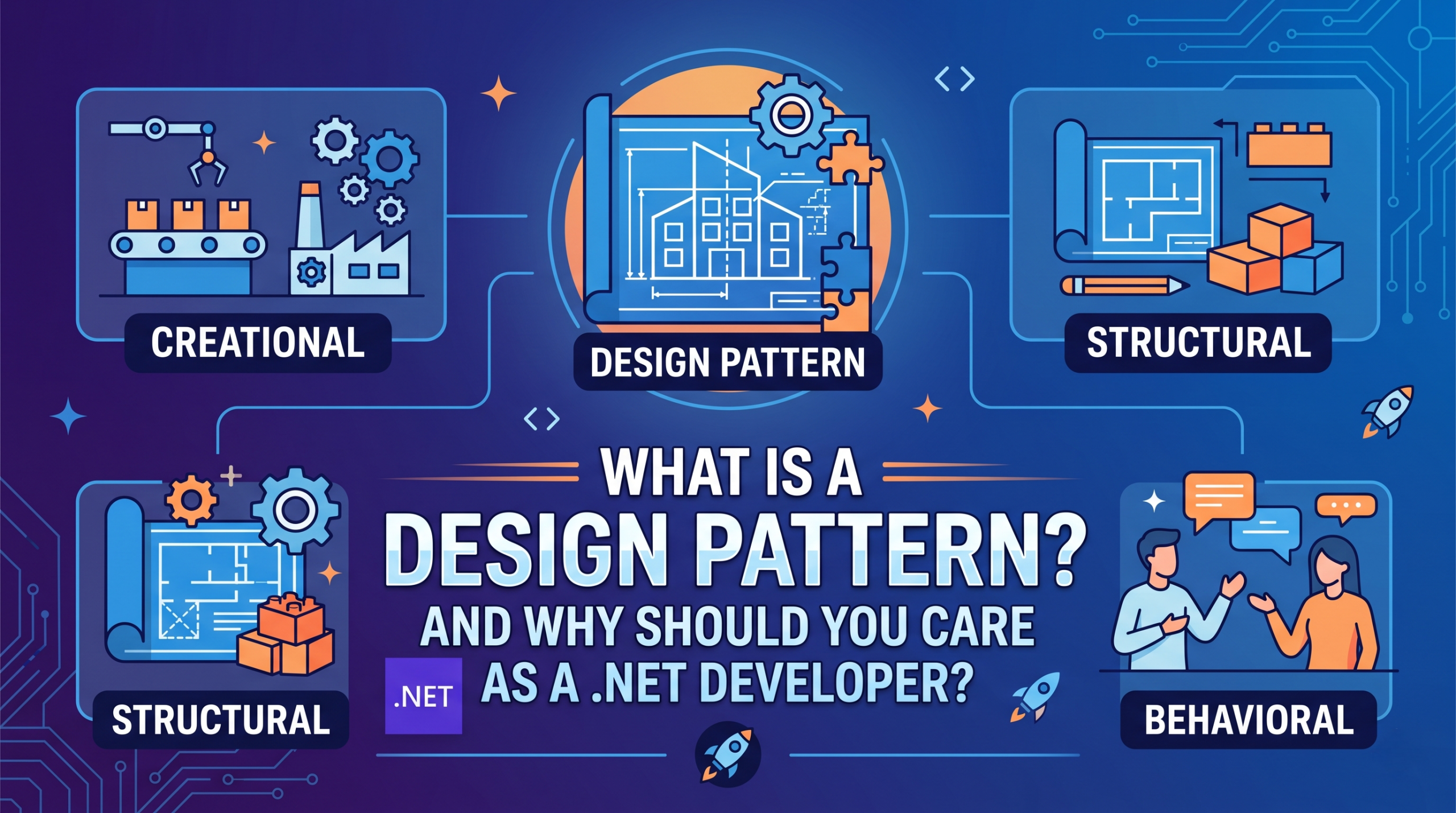
The 23 Gang of Four (GoF) patterns are generally considered the foundation for all other patterns. They are categorized in three groups: Creational, Structural, and Behavioral.
1. 🏭 Creational Patterns
“How do I create objects?” Creational Design Patterns provide ways to instantiate a single object or group of related objects. These patterns deal with the object creation process in such a way that they are separated from their implementing system. That provides more flexibility in deciding which object needs to be created or instantiated for a given scenario.
Common Examples:
- Singleton – Lets you ensure that a class has only one instance, while providing a global access point to this instance.
- Factory Method – Provides an interface for creating objects in a superclass, but allows subclasses to alter the type of objects that will be created.
- Builder – Lets you construct complex objects step by step. The pattern allows you to produce different types and representations of an object using the same construction code.
2. 🏗️ Structural Patterns
“How do I compose objects into larger structures?”
These patterns deal with how classes and objects are composed to form larger structures.
Common Examples:
- Adapter – Allows objects with incompatible interfaces to collaborate.
- Decorator – Lets you attach new behaviors to objects by placing these objects inside special wrapper objects that contain the behaviors.
- Facade – Provides a simplified interface to a library, a framework, or any other complex set of classes.
3. 🎭 Behavioral Patterns
“How do objects communicate with each other?” These patterns are focused on communication between objects: how they interact and fulfill their intended purpose. They define clear patterns of communication among objects.
Common Examples:
- Observer – Lets you define a subscription mechanism to notify multiple objects about any events that happen to the object they’re observing.
- Strategy – Lets you define a family of algorithms, put each of them into a separate class, and make their objects interchangeable.
- Command – Encapsulates a request as an object, allowing for parameterization of clients with different requests, queuing requests, and logging them.
💡 Why Should YOU Care as a .NET Developer?
1. Your Code Becomes Better
Writing the code with design patterns will make your applications more Reliable, Scalable, and Maintainable.
2. They’re Already Everywhere in .NET!
Within the .NET Framework, the use of some patterns is so prevalent that they have been built into programming languages themselves, instead of just represented by the class libraries. The first two patterns, the Observer and the Iterator, are supported by various language features of both C# and Visual Basic .NET. They are an integral part of many common programming tasks. Real .NET ecosystem examples include ASP.NET Core middleware, EF Core, logging providers, HttpClient, DI containers, and more.
3. Career Growth & Interviews
Design patterns are a common topic in technical interviews. Understanding them shows you think beyond just “making things work.”
4. Better Communication with Your Team
When you say “Let’s use a Factory pattern here,” experienced developers immediately understand what you mean!
🛠️ Patterns .NET Developers Use Daily
Beyond the classic 23 GoF patterns, there are additional patterns frequently used in most Real-Time .NET Applications, including Dependency Injection Design Pattern, Repository Design Pattern, and Inversion of Control in C#. A comprehensive understanding includes 23 Gang of Four patterns plus 5 enterprise/architectural patterns commonly used in .NET development.
📝 A Quick Example: The Singleton Pattern
Here’s a simple example of the Singleton Pattern in C# – ensuring only ONE instance of a class exists:
public sealed class DatabaseConnection
{
    // Private static instance
    private static DatabaseConnection _instance;
    private static readonly object _lock = new object();

    // Private constructor prevents external instantiation
    private DatabaseConnection()
    {
        Console.WriteLine("Database Connection Created!");
    }

    // Public method to get the single instance
    public static DatabaseConnection Instance
    {
        get
        {
            lock (_lock)
            {
                if (_instance == null)
                {
                    _instance = new DatabaseConnection();
                }
                return _instance;
            }
        }
    }

    public void Query(string sql)
    {
        Console.WriteLine($"Executing: {sql}");
    }
}

// Usage
var db1 = DatabaseConnection.Instance;
var db2 = DatabaseConnection.Instance;

Console.WriteLine(db1 == db2); // Output: True (same instance!)
🎓 Tips for Learning Design Patterns
It is important to understand design patterns rather than memorizing their classes, methods, and properties. Learning how to apply patterns to specific problems is also important to get the desired result. This will require continuous practice using and applying design patterns in software development. First, identify the software design problem, then see how to address these problems using design patterns and determine the best-suited design problem to solve the problem.
My Advice for Beginners:
- Start with 3-5 patterns – Don’t try to learn all 23 at once!
- Focus on: Singleton, Factory, Strategy, Observer, and Repository
- Practice in real projects – Theory alone won’t stick
- Read other people’s code – Open source projects are goldmines!
⚠️ A Word of Caution
Design patterns are tools, not rules. Don’t force a pattern where it doesn’t fit! It’s equally important to know when to use each pattern and when NOT to use it.
📚 Resources for Further Learning
Here are some excellent resources to continue your design pattern journey:
🌐 Online Resources (Free)
| Resource | Description |
|---|---|
| Refactoring Guru | Beautiful visual explanations with C# examples |
| Dot Net Tutorials | Complete C# design patterns course with real-world examples |
| DoFactory | Source code for all 23 GoF patterns in C# |
| Microsoft Learn | Official documentation with .NET-specific implementations |
| C# Corner | Community-driven articles on design patterns |
📖 Books
- “Design Patterns: Elements of Reusable Object-Oriented Software” by Gang of Four (The Original!)
- “Design Patterns in C#: A Hands-on Guide with Real-world Examples” by Vaskaran Sarcar
- “Head First Design Patterns” – Great for visual learners
🎥 Video Courses
- Pluralsight – Design Patterns in C# learning path
- Udemy – Various .NET design pattern courses
- Code Maze – Practical pattern-focused courses
🎬 Wrapping Up
Design patterns aren’t just for “senior developers” or “architects.” These tutorials are designed for Students, Beginners, and Professional Developers who want to learn and enhance their knowledge of Design Patterns. Design patterns have evolved from years of experience in resolving frequently encountered problems when writing object-oriented software. These patterns are templates that provide developers with a blueprint on how to create flexible, easily maintainable applications.
Remember:
- ✅ Patterns are solutions, not rules
- ✅ Start small and practice consistently
- ✅ Look for patterns in existing .NET code
- ✅ Understanding beats memorization